Free up your time
Stop retyping receipts into spreadsheets. Capture once, review anytime.
Rated 5.0★ by early App Store users

Sumwise
Receipts, expenses, and private budgets
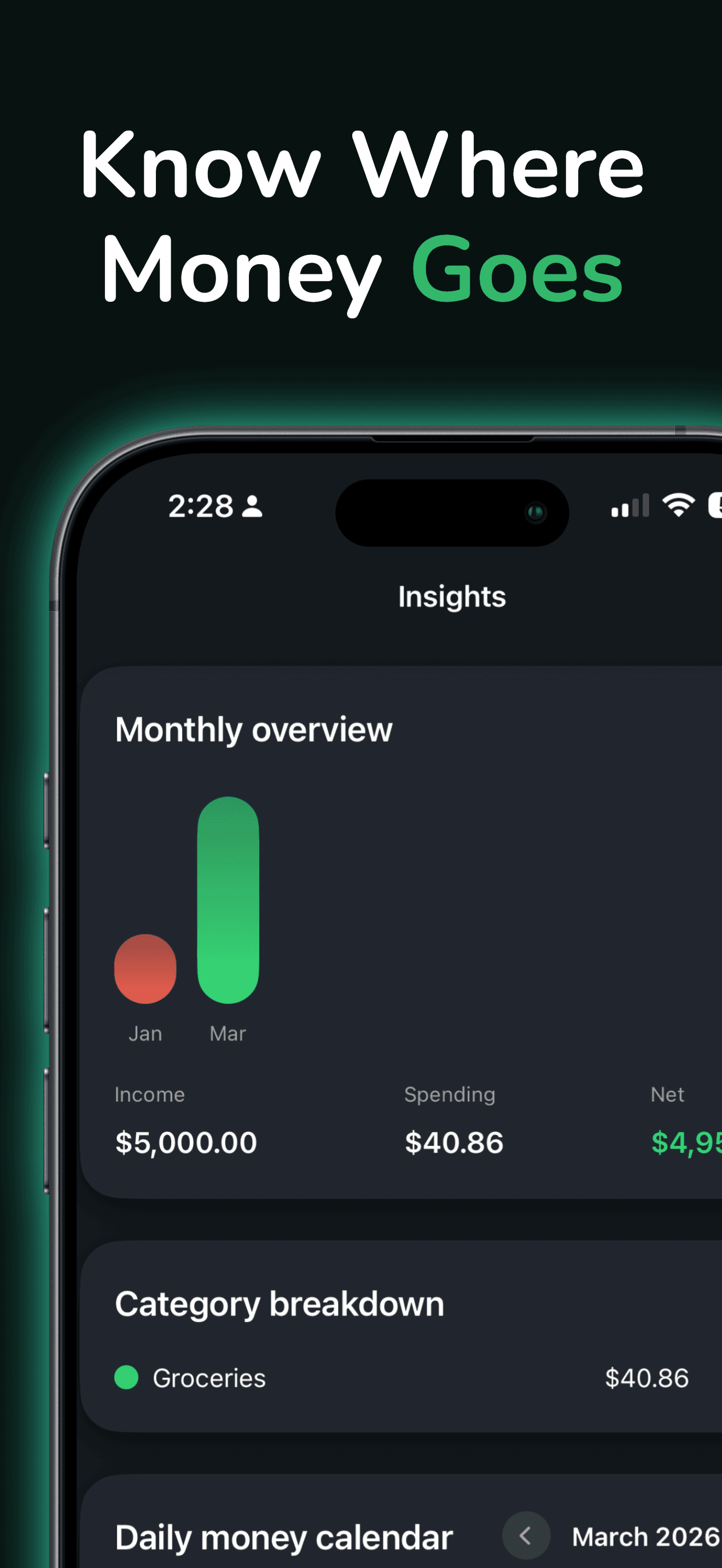
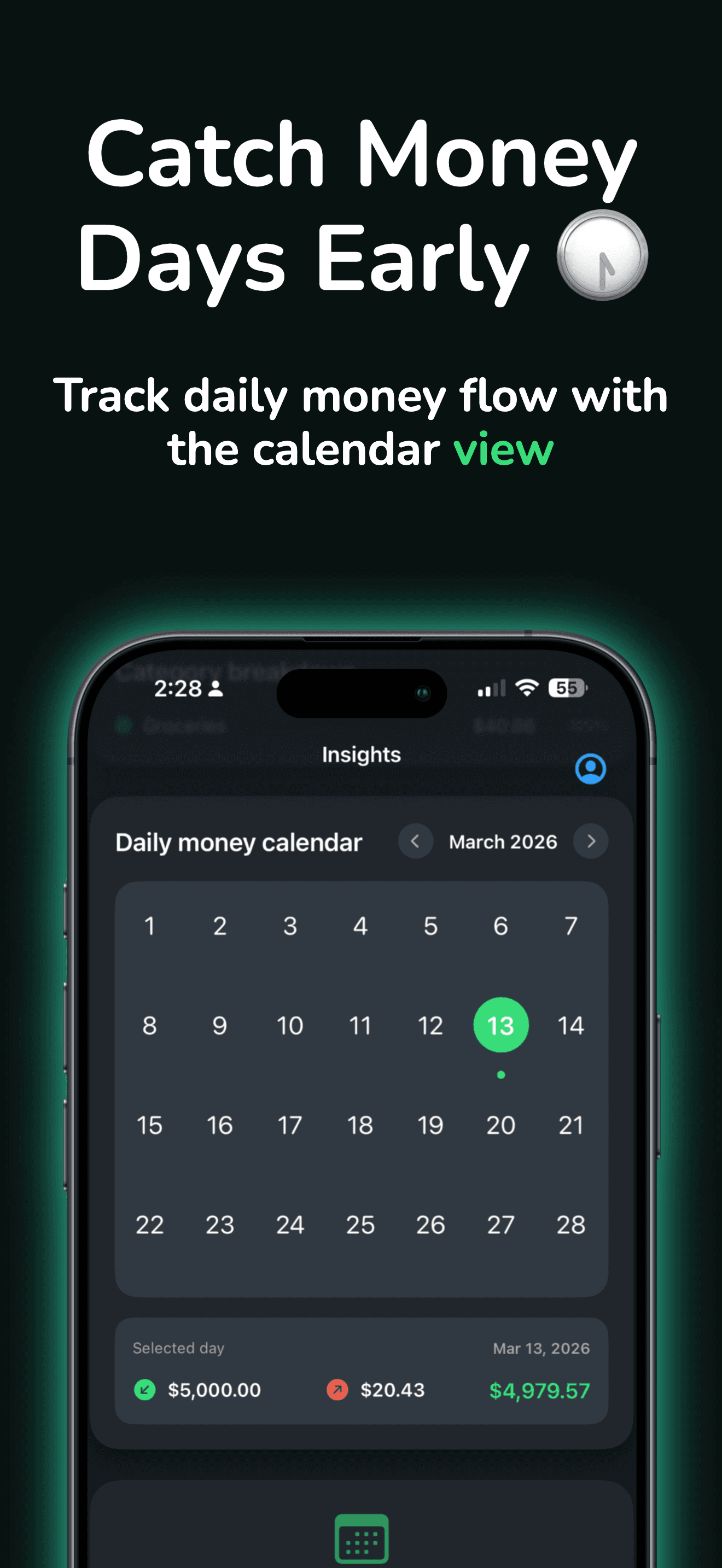
Scan, import, or type once—then see where money goes. Private on-device tracking. No account required for core use.
Scan receipts, track spending, and organize bills with a private, on-device expense workflow—no account required.
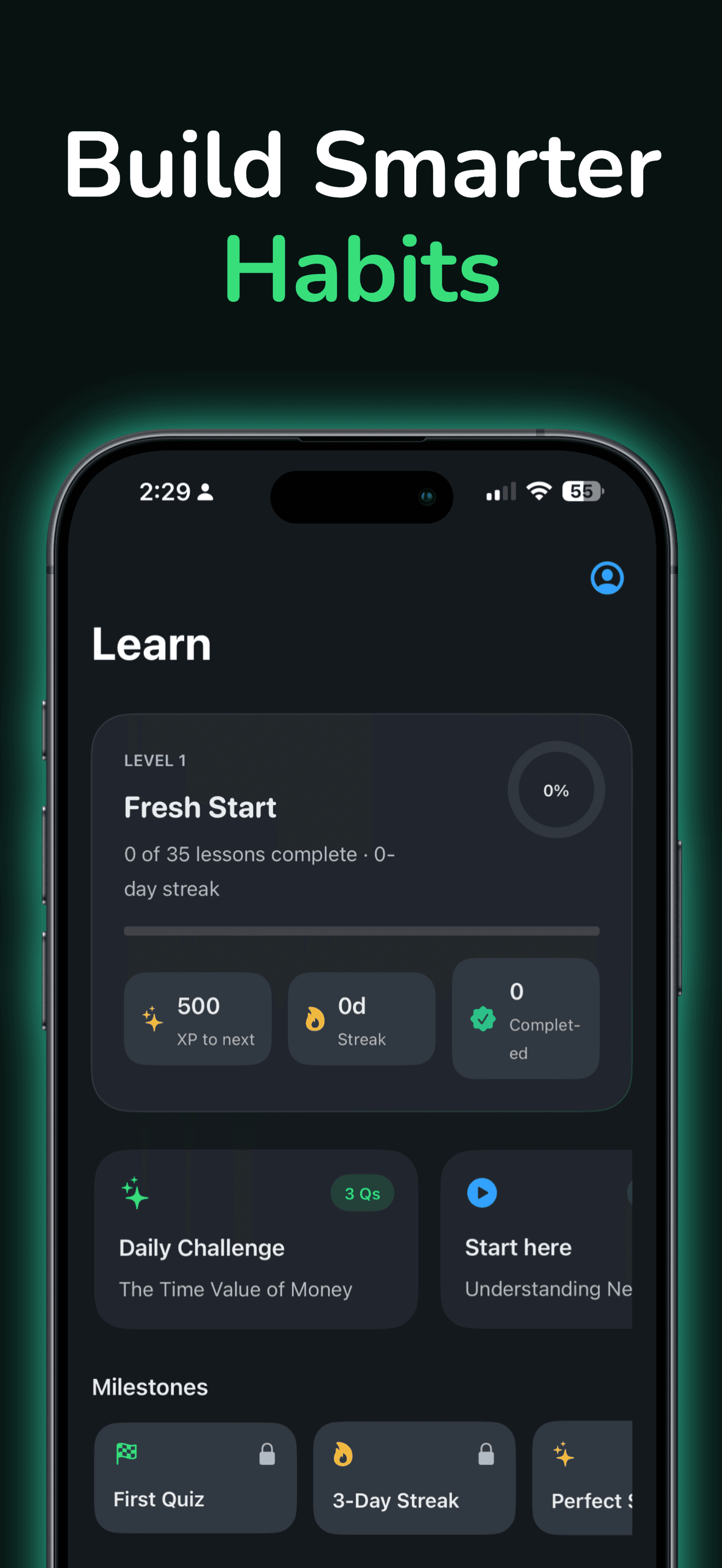
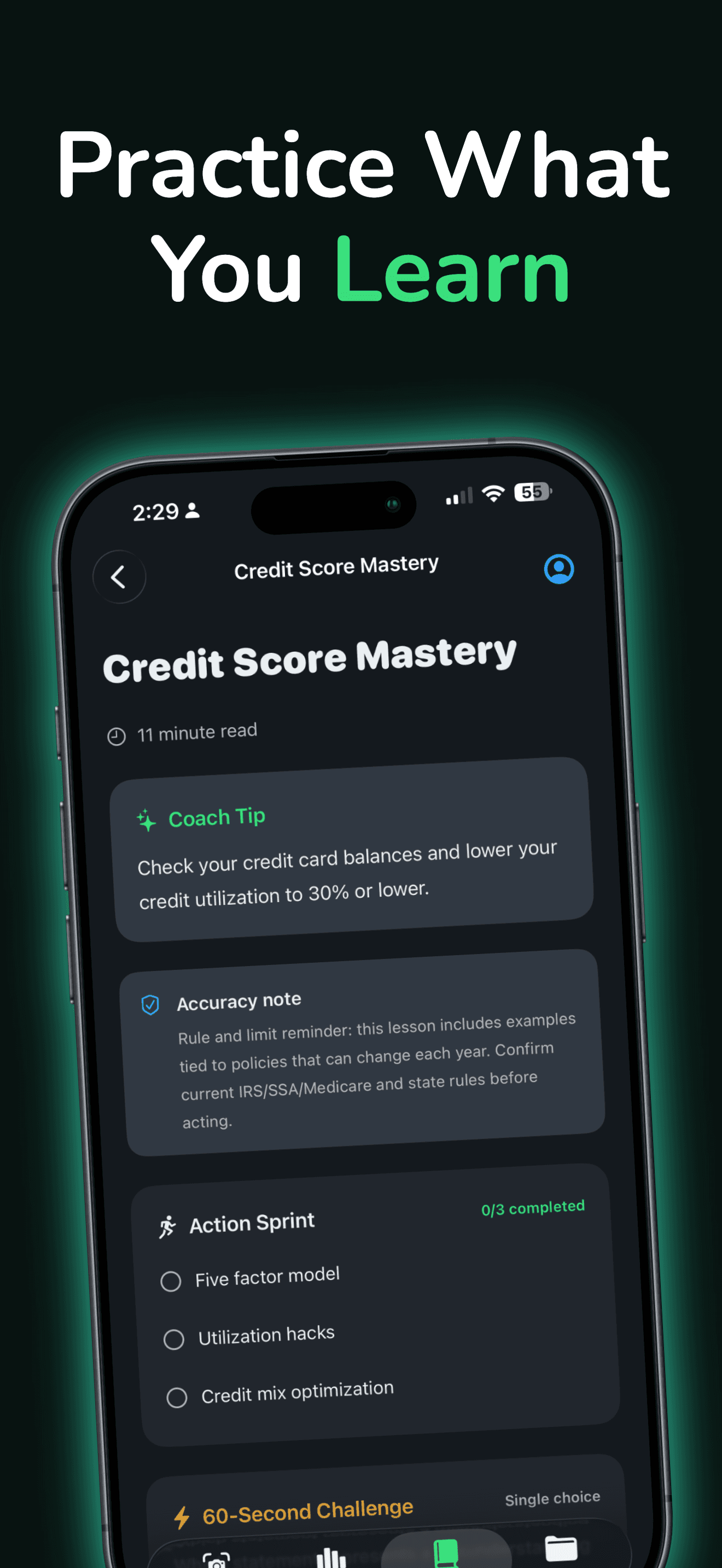

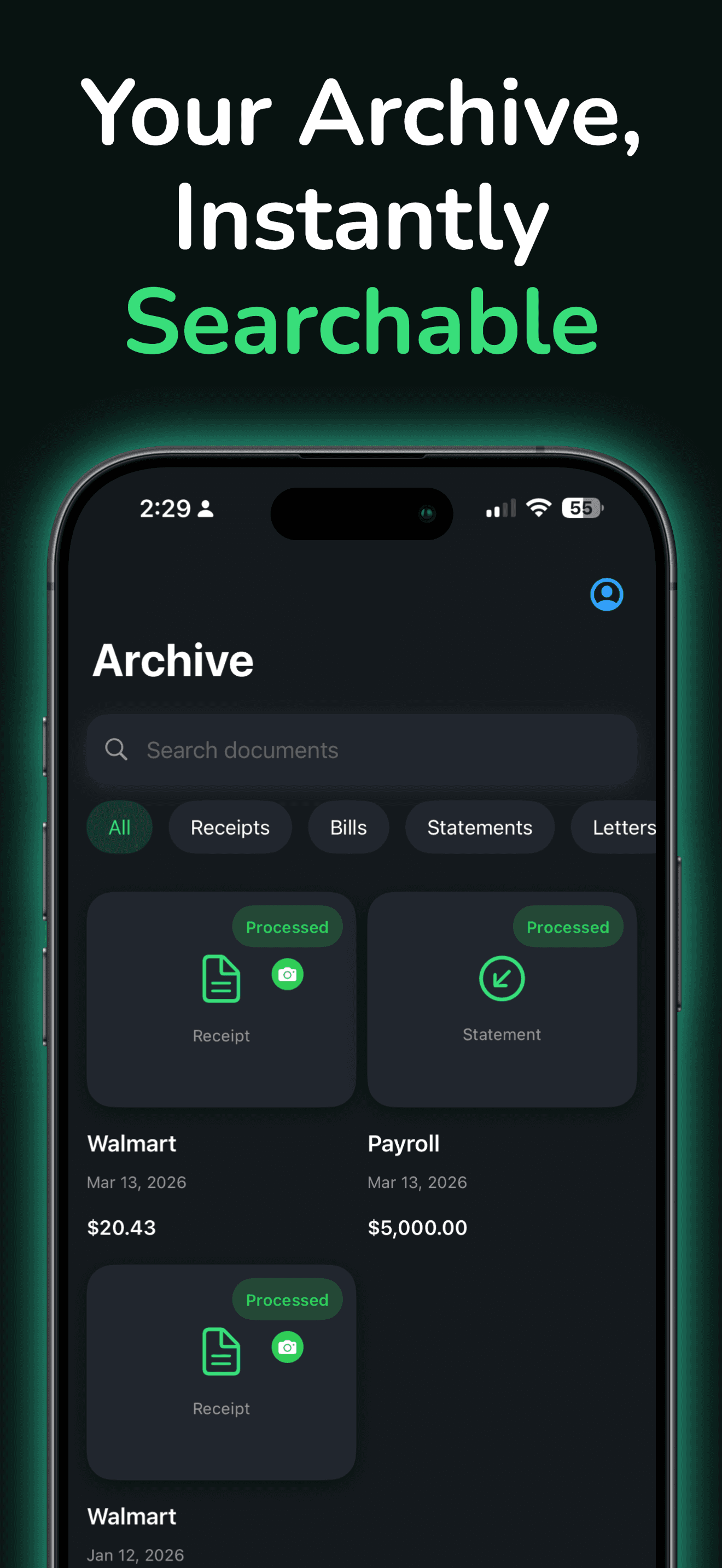
Product tour
One job per screen. Tap a capability to see it.
Feature 1
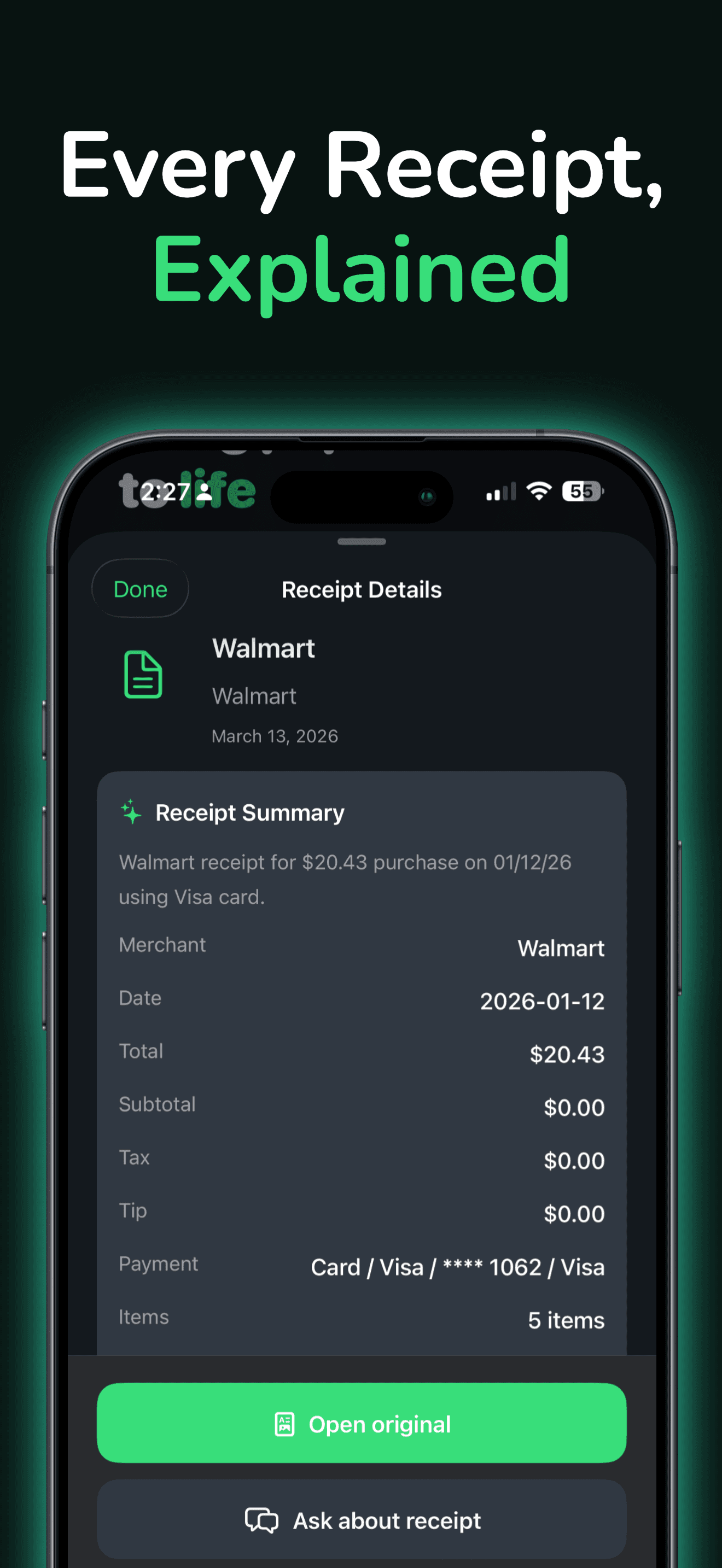
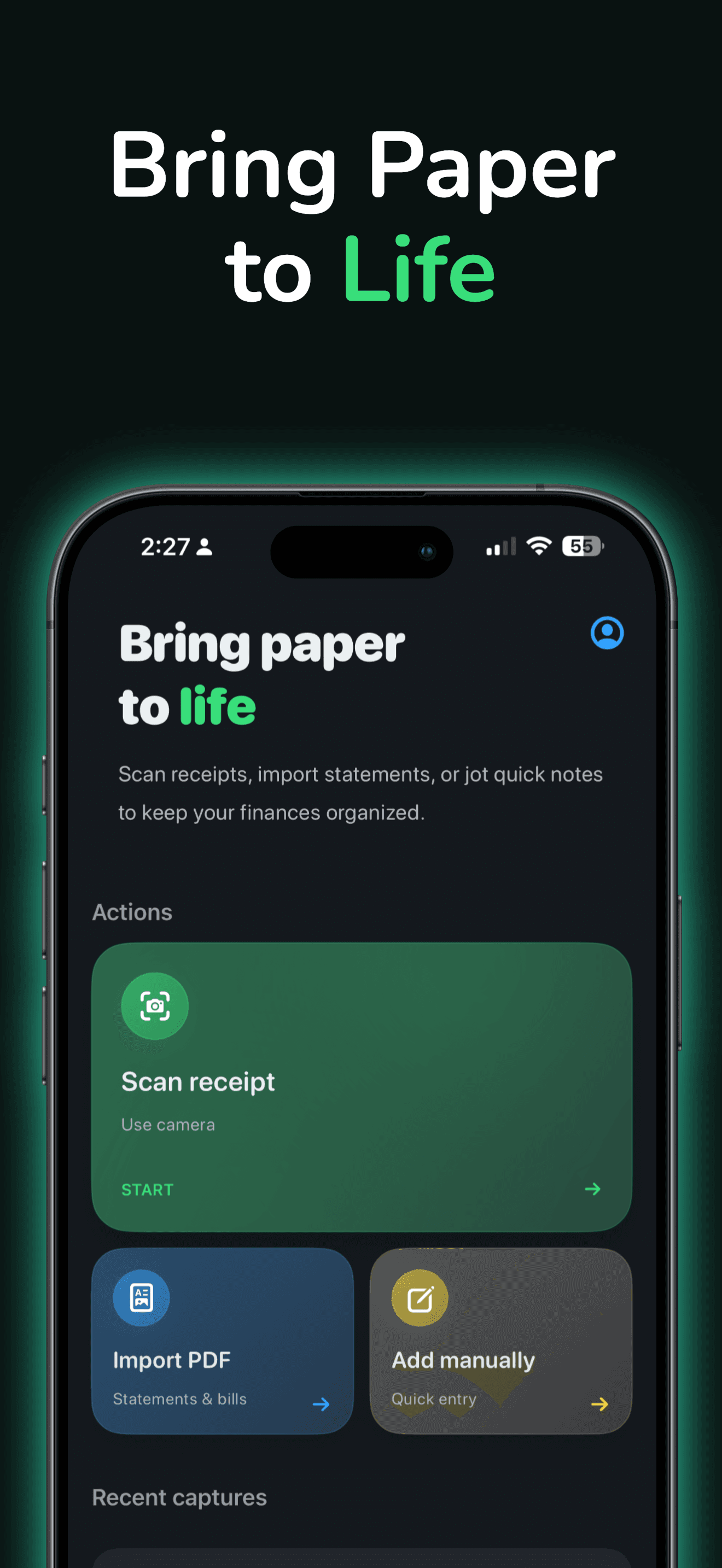
Use the camera to scan receipts and turn paper into structured spending records without manual typing.
Why Sumwise?
Speed to value plus privacy-first defaults—so the first session earns the install.
Stop retyping receipts into spreadsheets. Capture once, review anytime.
Built for on-device storage and no forced cloud account for core tracking.
Manual tracking and basics stay available; Premium unlocks unlimited smart capture and deeper tools.
Private finance
Sumwise is designed so you can organize receipts and spending privately—Premium is optional when you want unlimited smart capture and advanced insights.
Social proof
Short quotes. High signal. No influencer cosplay required.
“I’ve tried a lot of budget apps, but this one really stands out. Super easy, clean, and helps me track where money goes.”
“The emphasis on privacy and keeping everything on-device is a big plus—especially for money stuff.”
“So user friendly. I don’t have to manage paper receipts, and it helps cut excess spending.”
Questions
The questions people ask right before they hit Download.
No. Core usage is designed for private, on-device tracking without creating an account.
Yes. Import PDF statements and bills, or add manual entries when you don’t need the camera.
Subscriptions are managed through Apple: Settings → Apple Account → Subscriptions.
Sumwise is designed around on-device storage for receipts and insights during ordinary use. See the Sumwise privacy page for details.
Ready when you are
Scan, import, or type once—then see where money goes. Private on-device tracking. No account required for core use.
Compatibility
Available on iOS.