Import a live flight
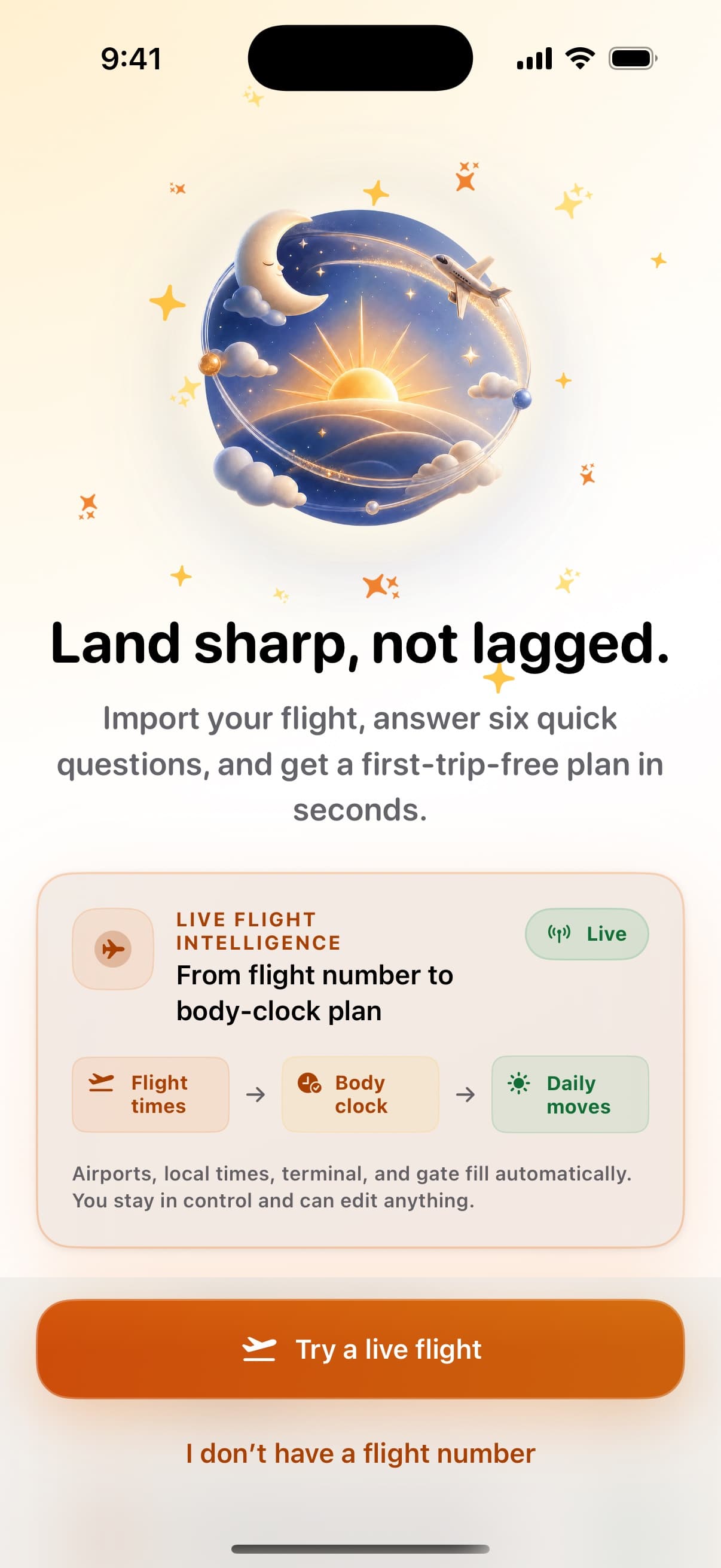
Look up an eligible flight by number and departure date, review the result, and keep full control to edit or enter any route manually.
Private by design

ShiftGuard
Land sharp, not lagged
From flight times to practical daily moves, ShiftGuard makes time-zone adjustment feel clear, calm, and achievable.
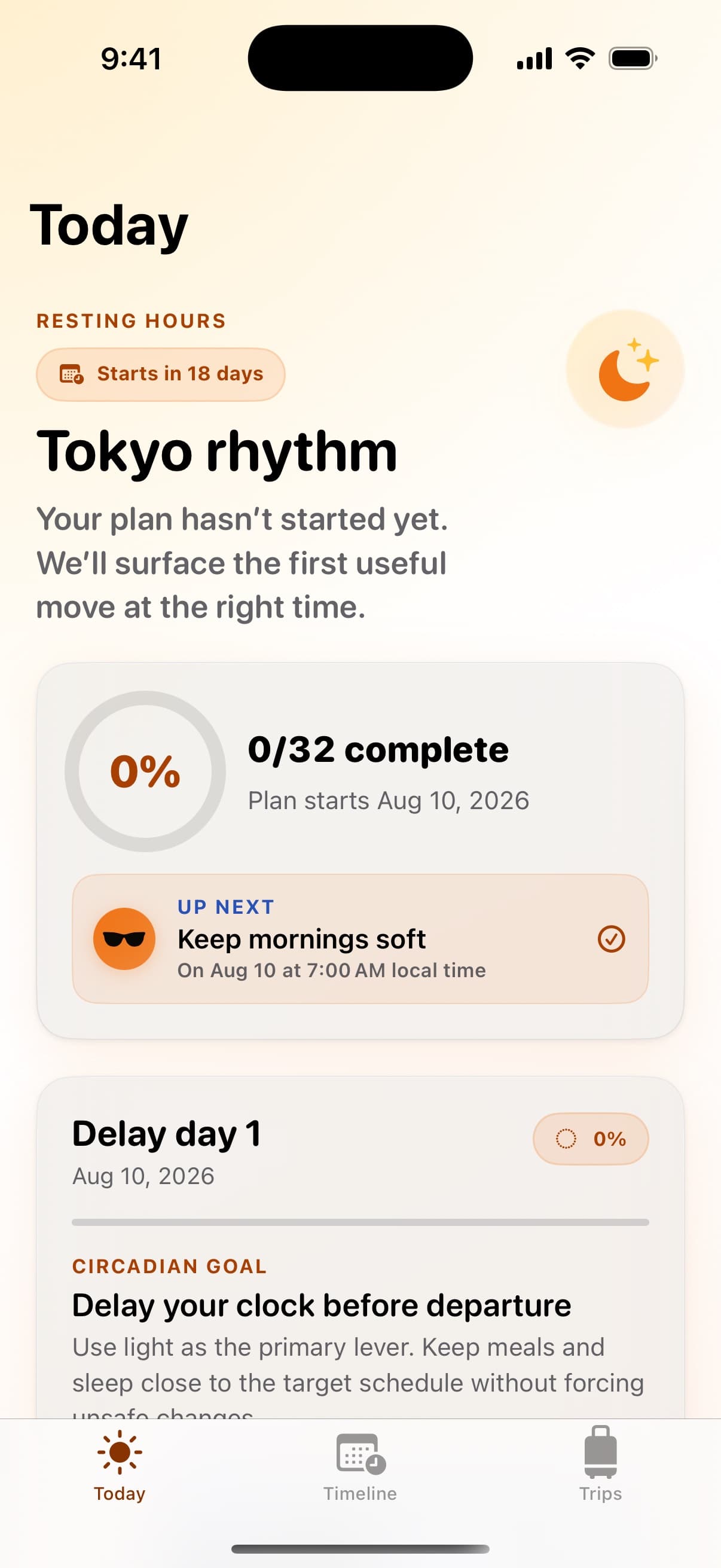
Turn a flight and a few quick answers into a calm, light-first plan for crossing time zones.
Product tour
One job per screen. Tap a capability to see it.
Feature 1
Look up an eligible flight by number and departure date, review the result, and keep full control to edit or enter any route manually.
Why ShiftGuard?
Speed to value plus privacy-first defaults—so the first session earns the install.
Look up an eligible flight by number and departure date, review the result, and keep full control to edit or enter any route manually.
Six focused questions shape a practical plan around your route, chronotype, sleep flexibility, arrival obligations, and caffeine habits.
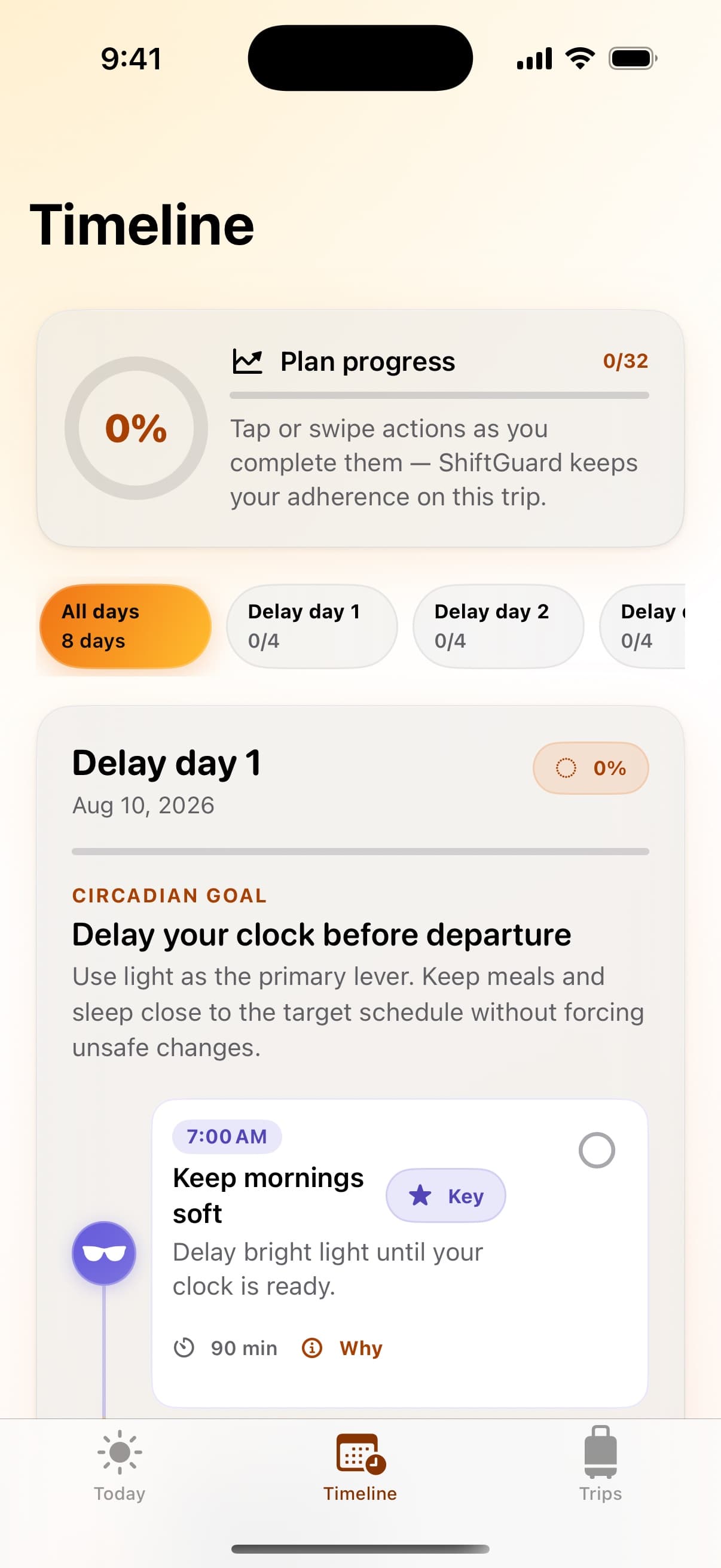
See when to seek or soften bright light, plus supporting sleep, caffeine, meal, wind-down, and movement guidance.
Questions
The questions people ask right before they hit Download.
No. Live lookup is optional. You can enter departure and arrival details manually and still create the complete plan.
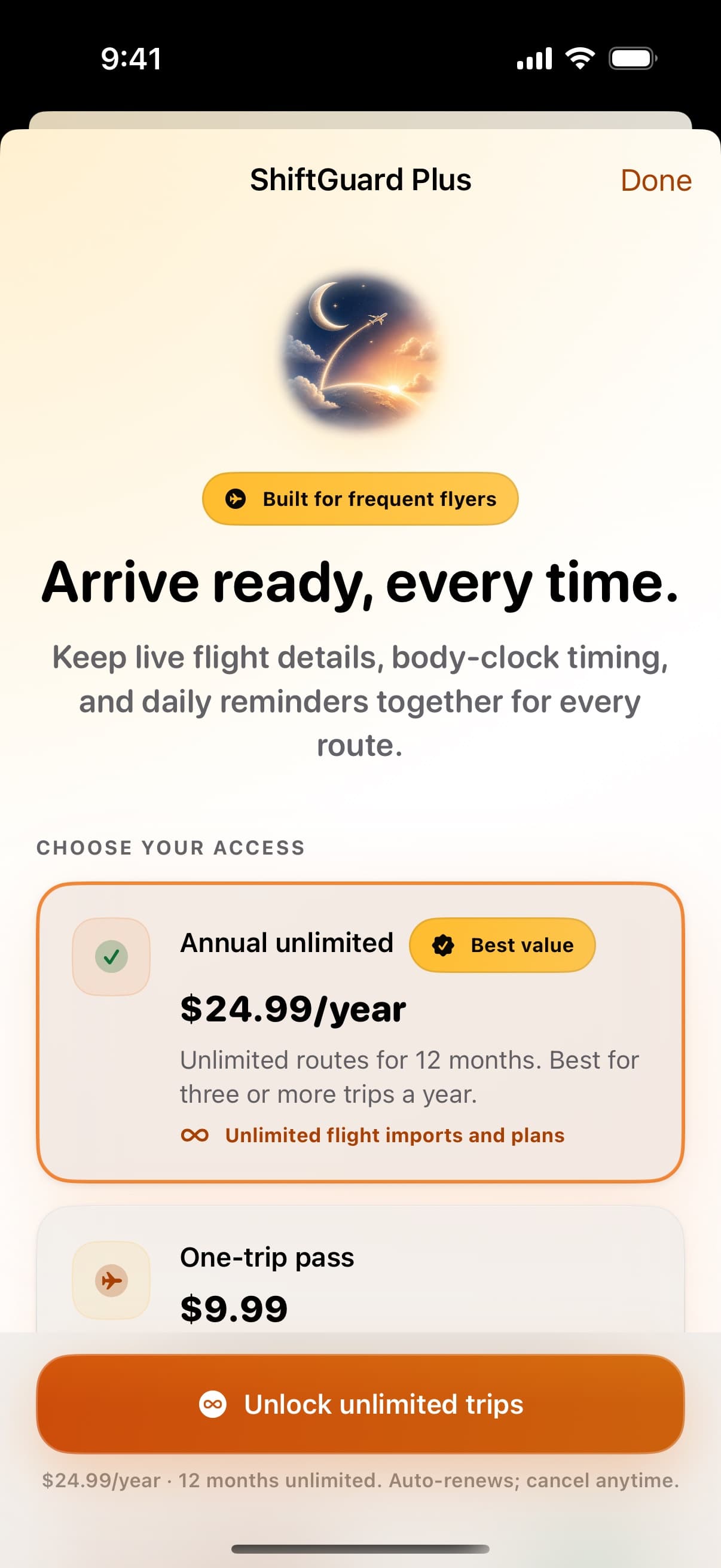
Your first complete trip plan is free. After that, you can choose an annual unlimited subscription or a consumable one-trip pass.
ShiftGuard sends only the flight designator and departure date needed for the lookup to its secure flight endpoint. Review the returned schedule before using it, because airline data can change.
No. With permission, ShiftGuard can show recent sleep and heart-rate-variability averages as optional personal context. Those values stay in memory and do not change the plan.
ShiftGuard schedules eligible plan reminders locally through iOS after you grant notification permission. You can turn notifications off at any time in Settings.
Use Restore Purchases in ShiftGuard for an eligible annual subscription. Manage or cancel subscriptions through your Apple Account. A one-trip pass is consumable and cannot be restored after it is used or after app data is removed.
No. ShiftGuard provides general, rule-based wellness guidance for time-zone adjustment. It is not medical advice, diagnosis, or treatment.
Premium iOS craft—privacy-first defaults, conversion-ready product pages, zero template feel.
Coming soon
Join the list for launch updates and support.
Compatibility
Available on iOS.